
Genshin Impact Account Deletion Guide
Learn how to delete your Genshin Impact account with our clear HoYoverse account deletion guide, including platform-specific instructions.
To know how to delete your Genshin Impact account, the explanation is not only short-form; you'll be required to delete it via HoYoverse's official account website as opposed to a simple deletion within the game. The reason for this is that there is so much time invested in these games and HoYoverse wants to prevent you from messing up by accidentally deleting years of progress.
As of 2026, there is the regular method through the official HoYoverse Account Center – however, such an experience may be a bit different if you play on the PlayStation, as well as if you signed up to play via Google, Apple, or Facebook.
This guide will fully explain how to delete Genshin Impact accounts, and what it includes, along with explaining the major differences between deleting an account, unlinking an account, and simply uninstalling Genshin Impact on your device.
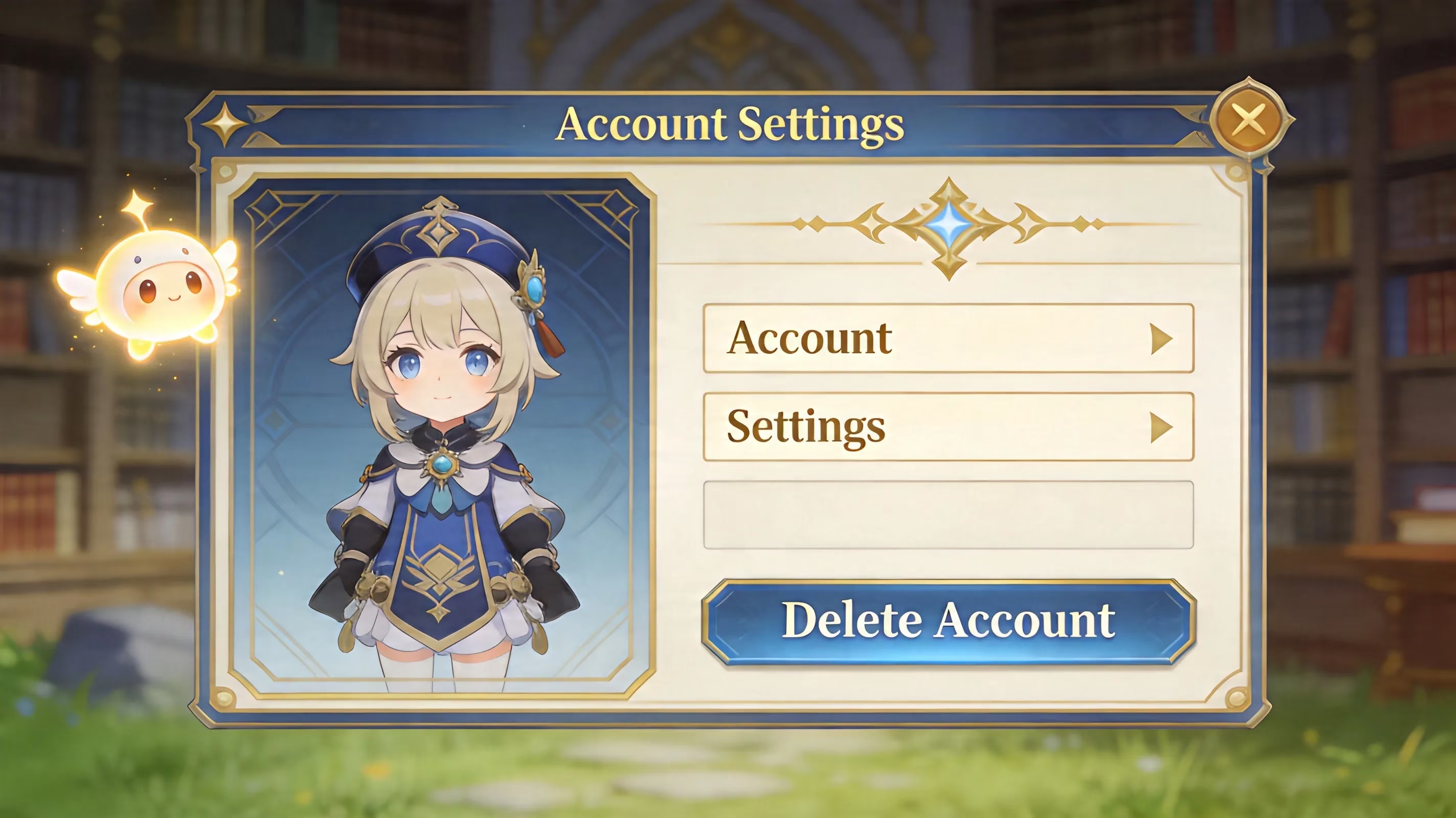
Deleting your Genshin Impact Account
If you want to delete your Genshin Impact account, you must first go through the official HoYoverse Account Center (account.hoyoverse.com). There is no legitimate in-game button for account deletion, and HoYoverse does not process account deletions via outside platforms, including Discord and Reddit.
This matters because deleting an account means more than just deleting your character or deleting the data tied to your play at one server. It will also delete all other server-side game data tied to that account (i.e., the character roster, equipped weapons, available Primogems, still-fresh Welkin Moon status) and every measure of in-game progression associated with that player that is tied to that UID across all servers.
HoYoverse Account
(To complete your Genshin Impact account deletion) The standard method to delete Genshin Impact accounts is to go to the HoYoverse Account Center. To deactivate your account, log into account.hoyoverse.com with the same credentials as your Genshin account. Next, go to Security Settings and look for an option that refers to "deactivation/deletion of account".
After you submit the request for account deletion, HoYoverse will send you an email to the email account associated with your profile asking you to verify your identity by clicking a link. You must do this before HoYoverse will process your request to delete your account. If you do not have access to that email account anymore, you will have to figure out how to regain access to your inbox or work with support to be able to delete your account.
In-Game Deletion:
Unfortunately, you cannot delete your account directly from the game client but instead, you can open the Paimon Menu, go to Settings via the round icon in the top right corner, and look at the Account section.
While viewing your Account settings is useful to find linked accounts and/or to retrieve support information related to your account, deleting an account has to be completed on the web-based version of your account center.
Account Center Steps:
Once you verify the request via the email provided, the account is placed in a 30-day holding period. Many players do not understand or remember this part of the account deletion process.
While the account is in the 30-day holding period it will NOT be deleted. If you log into the account at anytime before the expiration of the 30-day grace period your request will be automatically cancelled and your account will be reinstated in its entirety. When you don't create an account during the process, HoYoverse will delete all your account information when the time expires.
How to Get Help
If you can’t create an account by self-service and you're unable to use the email associated with the account, your only option is to contact the customer service department at support.hoyoverse.com. This fallback method is more rigorous in terms of verifying that you own the account.
You will likely need to provide at least some or all of the following pieces of information within the ticket: UID, email associated with the account, evidence of ownership (i.e., a receipt for something you've purchased) and any game history reflecting your current adventure rank (usually by submission) or both. Support response times can span a wide range, but it usually takes anywhere from several days to two weeks for their response.
Account Deletion Instructions Based on Platform
Depending upon what platform you created or linked your account you have only one option for account deletion. Some users are given one option, however, if you are a PlayStation user, there is an additional method of deletion that your account will require. | Platform | Method for Account Deletion | Major Note | |---|---|---| | PC (HoYoverse Launcher) | Web-based tool in the Account Centre | Simple; email verification required | | Android/iOS Mobile | Web-based tool in the Account Centre | Same conditions as PC; if you erase the app on your phone or device, you do Not delete your account | | PS4/PS5 | Web-based tool in the Account Centre; unlink from PlayStation account | Your HoYoverse account that you set up when you first started using Genshin, is linked to your PlayStation Network login (PSN). These two accounts are completely independent of each other. | | Google/Apple/Facebook SSO | Web-based tool in the Account Centre; unlink from third party | You must confirm that you want to delete your account before your request will be processed, by checking the email you used to set up your account with your provider. |
PC and Mobile Devices
The process of deleting an account on PC or a mobile device is simply following the standard HoYoverse process. You would log into your account at the HoYoverse account website: account.hoyoverse.com, and then go to account settings where you would initiate your account deletion request.
Before moving forward, please ensure that your current email address (the one associated with your HoYoverse account) is still an email address you can access by checking your email. This is especially true for older HoYoverse accounts, as many people no longer have access or an interest in using their old email addresses. If you don't have access or forgotten your email you can contact HoYoverse support for assistance in verifying you're the account holder, then you'll be able to continue with removing your account.
PS4 and PS5
Using a PlayStation (PS4/PS5) is somewhat more confusing when compared to other methods due to some facts regarding the accounts. When you start Genshin, there's a verification process where your HoYoverse account was linked with your PlayStation account (PSN). However, your PSN account and your HoYoverse account are two separate accounts that HoYoverse and PlayStation do not share. Therefore, deleting your HoYoverse account does not remove the information stored on your PSN account, and similarly, if you delete your PSN account, that does not result in your HoYoverse account being deleted. To unlink your PlayStation account from your Genshin account, you first need to unlink the two accounts on the HoYoverse site by going to the Account Center or contacting Customer Support. Once your PSN account is unlinked from your HoYoverse account, you can delete your HoYoverse account. If you only want to discontinue playing Genshin Impact on PS4/PS5 but continue to have access to the account on other devices (PC/Mobile), unlinking from PSN will suffice; deleting the HoYoverse account will not be necessary.
When you request to unlink your PSN Account, the following information will be required by HoYoverse:
-
UID
-
PSN Online ID
-
Adventure Rank
-
Server Region
-
Date of Account Creation
-
Purchase Receipts (if available)
If you registered for the HoYoverse account via Google, Apple or Facebook, you must complete one additional step. Due to your registration using a third-party authentication service rather than a regular password from HoYoverse, you should first add a separate email address and password to your HoYoverse account. This ensures that you have direct access to the email required to receive the link for deleting your account. After deleting your Genshin account, you should delete any remaining OAuth permissions for Genshin Impact under the security settings of your Google, Apple, or Facebook account.
Deleting an account with Genshin Impact is not immediate. After HoYoverse receives and confirms your request for deletion, a 30-day period begins before they delete your account data from their servers. The window of opportunity to restore your character is available only for a limited time due to the potential for accidental deletion of characters or poor impulse control after intense play sessions. However, logging in to your original account on any platform with the HoYoverse service will automatically cancel any deletions during that time. The only exception is Genshin Impact; Other HoYoverse games (e.g., Honkai: Star Rail) use the same logins, and can cause account deletions during that timeframe, also.
Deleted Account Data
After 30 days of inactivity (i.e., you log in to your account), the account will be permanently deleted by HoYoverse. At that point, you will lose access to: your characters, the Constellations of your characters, the Talents associated with those characters, all Artifacts, all Weapons, the original Items in your Serenitea Pot, the Friendship Levels of your characters, and the Exploration Progress of your characters, etc.
You will also lose access to any Item of these varieties that may exist in both your primary account and secondary accounts. That includes every item (of any variety) in your account(s) throughout all of the Regions you have played in (including Mondstadt). The big takeaway here is: you CANNOT get partial recovery - under normal conditions, HoYoverse does NOT restore deleted account data once the deleted account is complete.
Lost Primogems, Purchases and Saved Games
If you had Primogems or any other resource left in your account before deleting the account, then you are not getting those resources. So, any unspent Primogems, Acquaint and Intertwined Fates, Mora, resin, or other Stored Progress materials WILL NOT involve refunds either.
Additionally, you lose all paid content. Including, any Genesis Crystals you’ve added, any temporary Welkin you have added during the time of account deletion, and anywhere you were at on your account when that account was deleted; all those things will be permanently lost. Also remember, according to HoYoverse Terms of Service, there are no guarantees of a refund for any in-game purchases that you made, even if you deleted your account. Therefore, if you have purchased items and are still subscribing to any of HoYoverse's subscriptions, please consider your options carefully! ## Effect of Deleting a Genshin Impact Account on Server Progress
Genshin has distinct progress tracking for the various server regions, namely Asia, Americas, Europe, and TW/HK/MO. However, deleting your HoYoverse account will delete progress from all of the above-mentioned servers at once.
As an example, if you have an America save file and a separate Asia save file, both will disappear as soon as your deletion occurs. There is no choice when deleting accounts to keep one server and delete another.
Genshin Impact Account Deletion Requirements
Before HoYoverse processes any request for deletions — either at your request or support’s request — you will usually need to confirm the ownership of your account. It is prudent to have the following information available when you start your deletion request:
-
Account UID; Found in the bottom right corner of your in-game screen
-
Registered Email Address; The email inbox receiving confirmation link
-
Purchase Receipt Screenshots/Order IDs from Genesis Crystal purchases, app store purchases or third-party top-up services.
-
Adventure Rank and Server Region — this information is frequently used during manual reviews of account ownership.
Prior to submitting your deletion request, make sure to also review your account for all active subscriptions. Welkin Moon and Battle Pass purchases are on fixed term cycles, and if you submit the deletion request, there will not be any pro-rated refunds if you cancel the deletion.
Another important item not to overlook is the possibility of being logged in on an additional device. If you have logged in to Genshin on a mobile phone, tablet or second PC, and that device still has an active session during the grace period; this will cancel your deletion automatically without warning or prompting you a second time. Therefore, it is essential to know where the account is active or logged on. Three ways to deal with Genshin Impact are deleting your account, unlinking your account from a device, and uninstalling Genshin Impact off of your device. Many players become confused when determining what each action is and what the consequences of each are.
When you delete your account, you are permanently deleting your entire HoYoverse account and all data associated with your Genshin Impact account after a 30-day period. Once your account is deleted, all data will be permanently deleted.
When you unlink your HoYoverse account from a console service or login method such as PSN, Google, Apple or Facebook, you are disconnecting your HoYoverse account from that service or login method without deleting your HoYoverse account or Genshin Impact account associated with that digital account. Unlinking your HoYoverse account is typically the better option if you're switching devices, need a new Google account or just want to keep one device from accessing your HoYoverse account.
When you uninstall Genshin Impact from your device, you're only uninstalling the local game files from your device. Your HoYoverse server save files will still be saved. So, if you uninstall Genshin Impact on your PC, iPhone, Android, PS4 or PS5, your account will still be exactly where it was before you uninstalled the game and will resync when you log back into your account on that device again. This is typically the best option if you want to free up storage space on your device or want to take a break from the game without destroying your account. Below is a list of possible and suggested reasons for signing into Genshin Impact with PSN only and not being able to select a different sign-in method.
Here are some frequently asked questions about Genshin Impact accounts:
Can deleted accounts return?
Yes, but only within a 30-day grace period. Once you log in again, the deletion request will automatically cancel and your account will be returned.
If the request is made for deletion of your account, but it was done by mistake, the only way to get it back is to contact support immediately. You should do so without any delay.
Why is the deletion option missing?
Although there are many reasons why this option is missing, the majority of people do not see the option because they are signed in using a PSN account. If you created your account via PSN or Google SSO, you must create an additional standard email and password account before you will have access to the deletion option.
Account deletion requests may also need to be handled via manual support, rather than self-service, due to a platform or regional restriction. Technical errors may also occur, such as with browsers, in which case you will need to clear the browser cache or open the URL in a private browser window to fix the issue.
Are You Going to Delete Your Arena of Valor Account if It’s Inactive?
The most current statement from HoYoverse is that they do not delete accounts because of inactivity as of 2026. Therefore, even after years of not accessing your Genshin Impact account, your account will not be removed unless you request a deletion or if you have committed a Terms of Service violation (i.e. cheating, selling account, and chargebacks).
Unlike an account ban, an account that has been banned will still exist in HoYoverse’s database even though the account may not be able to be accessed. Your account’s progress from before your long absence should still exist when you return, but you may need to update your launcher, clear old cached files, or reinstall your client in those instances where there is a version problem.
Conclusion
If you are going to delete your account, the safest way to do this is the official method. Go to account.hoyoverse.com > Log-in > Security Settings > Account Deletion > Confirm account deletion from e-mail and do not log-in for a full 30 days after confirming your deletion. If you are playing via PSN, unlinking from the PlayStation Network is a separate matter and will need to be done first. For those who are signed in to Genshin Impact using Google, Apple, or Facebook, it is best practice to create a standalone HoYoverse email before submitting a request to delete your account.
Run through this list before submitting your request to delete your account:
-
Spend or document any unspent Primogems & Genesis Crystals.
-
Cancel any active Welkin Moon or Battle Pass subscriptions if applicable.
-
Document your UID and the e-mail address associated with your account in case you need support.
-
Unlink any devices or sign out of them so they do not auto-login during your grace period.
If you are not 100% sure you want to delete your account, uninstalling or unlinking your account is usually the better option. If you have made up your mind to leave Teyvat forever, following this method is the best way to do so.